WooCommerce
WooCommerce product page blocks that still sell
WooCommerce product page blocks that still sell are a single-product template with a gallery, a summary that can add to cart, and merchandising that does not bury the button. Block themes made it possible to compose a PDP in the editor. Plenty of those compositions look like a magazine and check out like a demo. I am Alan Vo, a Gold Coast web developer. I have shipped WooCommerce furniture and footwear catalogues where photography is the product and the add-to-cart row still has to win on a phone.
WooCommerce documents customizing single product templates. This note is how I structure that template so variable products, tabs and related items still behave, without a 4kg page-builder PDP.
What WooCommerce product page blocks are for
WooCommerce product page blocks are for replacing a PHP content-single-product.php layout with block template parts the merchant can reorder. Typical inner pieces: product image gallery, title, rating, price, excerpt, add to cart, meta (SKU, categories), details/tabs or accordion, upsells, related products, and a product collection for "complete the look."
They are not a reason to assemble twenty blocks that each load their own CSS. A classic Woo PDP was already a hook salad. A block PDP can become a hook salad with React hydration on top. I keep a commercial spine that is static in the template: gallery, title, price, add to cart. Editorial blocks go below or in a right column on desktop, never between price and the button on mobile.
Variable products are the test, not simple products. Size and colour must update price, availability, gallery and SKU. If your block template only looks right on a simple SKU, it is not done.
This sits next to the platform split in WooCommerce blocks vs shortcodes in 2026. Images on the gallery are usually the LCP element. Format and fetchpriority belong in image formats that improve LCP.
How a block single product template actually works
A block single product template actually works as a theme file (for example templates/single-product.html) or a customised template in the site editor, filled with WooCommerce product blocks that read the current product from context. Product Collection blocks used as related items need a query that is "related" or a hand-picked collection, not a generic newest-products dump that ignores the SKU.
The Add to Cart with Options block (naming varies slightly across Woo versions) is the form. Themes that hide it and rebuild a custom form in HTML usually break variation JSON and live regions. I style the block. I do not replace it unless the product type is truly custom (complex configurators).

Tabs: classic Woo used woocommerce_output_product_data_tabs. Blocks may ship an accordion or a product details block. Either can hold description, additional information and reviews. Reviews can also be a separate reviews block. Two review UIs is a common duplicate. Pick one.
Gallery: the product image gallery block must remain the LCP candidate. No slider library that shifts the first image 40px (CLS). Width and height on the first image. No auto-playing video as LCP unless the brand accepts the cost.
Upsells and related: these are merchandising. They should be below the fold on mobile. They should not lazy-load so hard that they never appear for crawlers if you care about internal links. Related products are internal links. Use real siblings (same category, not random).
Stock, sale badges and trust lines: small blocks or paragraph blocks bound to product data. Do not paste a page-builder icon row that duplicates the price.
How I build a WooCommerce PDP that still sells
I start from the WooCommerce default single product template, not from a blank canvas. Blank canvas is how the add-to-cart block gets deleted.
I set the mobile order in the template: gallery, title, price, short description, add to cart, then accordion (description, specs, shipping), then reviews, then related. Desktop can be two columns: gallery left, summary right, full-width below. I do not use a three-column PDP on a furniture SKU with a 4,000px photo.
I bind metafields (ACF or product attributes) into Product Specification or paragraph blocks that output attributes. Footwear size charts belong next to the variation picker, not in a tab nobody opens. Furniture dimensions belong in the summary as well as the spec table.
I keep one reviews module. If an app provides reviews, I use that block or shortcode in one slot and disable Woo's review tab.
I test product types on staging: simple, variable, variable with image-per-variation, grouped, bundle (if a plugin), out of stock, on backorder, on sale with a scheduled end, and a product with no image (you will have one).
I strip PDP-only JS from other templates, and I strip site-wide chat from the PDP if it covers the add-to-cart button. Overlays that hide the button are a conversion incident.
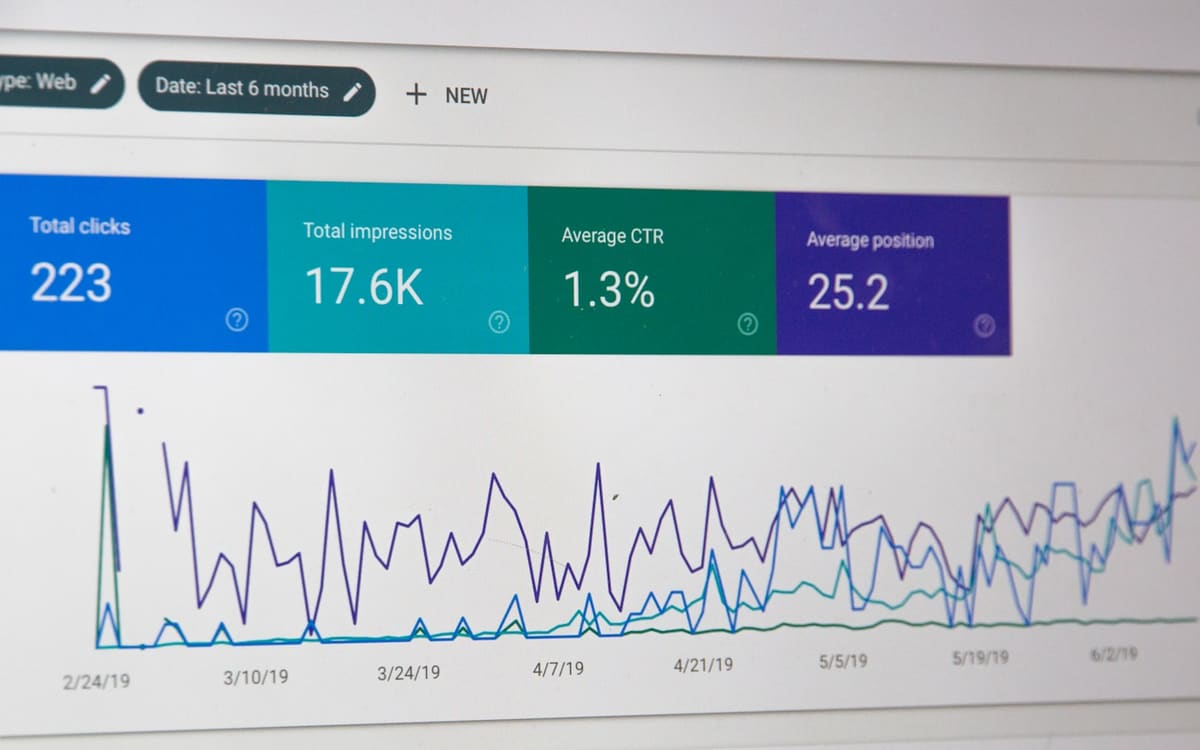
I check the first gallery image in AVIF or WebP with a matching JPEG fallback if the stack needs it. I set fetchpriority="high" on that image only.
Merchants get a locked template plus allowed patterns for campaign banners. Full site editing that lets someone drop a 12-column gallery above add to cart is not a gift.
On furniture PDPs I allow a materials story and a dimensions block in the summary column, still above related products, never above add to cart on a 390px screen. On footwear I keep the size picker adjacent to the first image on mobile even if the desktop layout is a wide campaign crop. WooCommerce product page blocks make those two layouts possible from one block library. They also make it possible to copy a "lookbook" pattern onto a SKU that needed a size chart instead. Presets and locked spines exist to stop that copy-paste.
Production checklist for WooCommerce product page blocks
- Duplicate the default single product template. Do not edit PHP and blocks for the same SKU.
- Pin gallery, title, price, add to cart as the spine. Mark them in documentation as do-not-remove.
- Put description and specs in an accordion or tabs below the spine on mobile.
- One reviews source. Test a SKU with reviews and a SKU with zero.
- Variation test: price, SKU, stock, image, disabled add to cart when a combination is invalid.
- Grouped and bundle test if you sell them. Those blocks differ.
- Related and upsells: category-sane, below the fold, server-rendered links.
- LCP: first gallery image sized, compressed, fetchpriority high, no font swap covering it.
- CLS: reserved space for gallery and variation area. No late badge inject.
- JSON-LD: still one Product graph. Block templates sometimes duplicate schema via SEO plugins.
- Add-to-cart events in GA4 still fire. Block forms break some GTM click triggers. Prefer dataLayer from Woo or a dedicated event.
- Keyboard and screen reader: variation radios/selects, error when attributes missing, focus on invalid field.
- Translate strings if the shop is bilingual. Block templates can leave English in button labels.
- Compare field INP on PDP (variation click) after launch. Heavy block nesting shows up here.
What breaks on block PDPs
The add-to-cart block missing from an alternate template (product-preorder, product-gift-card). Merchants create templates. Only single-product got the form.
Variation images that do not swap because a custom gallery block ignored Woo's variation events.
Page-builder leftovers: Elementor PDP widgets plus a block template. Two galleries. Two prices. Nobody knows which form submits.
Tabs that load description with a client fetch. Crawlers see no unique copy. You built a pretty thin page.
Sticky add-to-cart bars that cover cookie banners and the real button, and that duplicate the form (double submit).
Related product blocks queried as "newest" so every PDP links to the same four SKUs. Useless for users and for internal linking.
Reviews block plus an app widget. Double stars, double schema.
Themes that dequeue Woo block styles on the PDP "to go faster" and leave a broken grid.
How I measure a PDP that still sells
I measure add-to-cart rate on product URLs, variation change success (no JS errors), and LCP for the product URL group. I look at the first image, not the logo.
I crawl a sample of PDPs for unique description HTML and a single H1 (the product title). Block templates love extra H1s in hero groups.
I do not invent a conversion percentage for a block PDP rebuild. Furniture and shoes sell when the photo and the size picker work. The Skanvi furniture storefront and Janet and Janet footwear shop are that constraint: campaign imagery, then a form that still adds to cart.
Related work on this site
Those two catalogues are the PDP brief. Skanvi needs story blocks without killing the first-order path. Janet and Janet needs size selection on a phone next to campaign photography. WooCommerce product page blocks should be how a merchant rearranges story, not how we hide the button.
FAQ
Do I need WooCommerce product page blocks if my classic PDP converts?
No. Keep a converting classic template. Adopt WooCommerce product page blocks when merchandisers need to edit the PDP without PHP, or when the classic theme overrides are too old to maintain. Blocks are a tool, not a ranking factor.
Will WooCommerce product page blocks work with variable products?
Yes if you keep Woo's add-to-cart and gallery blocks (or compatible replacements) and test attribute combinations. Custom HTML forms are what break variable products.
Can I design the PDP in Elementor and use WooCommerce product page blocks?
You can, and you usually get two runtimes. Pick a block template or a builder template. Mixing WooCommerce product page blocks with a full Elementor PDP is how you ship two galleries.

How many blocks should a product template have?
As few as the spine plus merchandising below. If the site editor shows a tree you cannot explain in one sentence, it will not sell. WooCommerce product page blocks that still sell are boring on purpose.
Keep reading
Contact if you want this kind of work on a live store.