Tag Manager
Google tag and Tag Manager unification in 2026
Google Tag Manager unification is the 2026 change that turns the Google tag and GTM into one tagging surface. If you run GA4, Google Ads or a mixed stack on a live store, this is the review you should do before anyone clicks the optimisation banner.
I have spent 18 years shipping storefronts from the Gold Coast, and measurement is usually the last thing the theme team owns and the first thing paid media blames. Unification does not rewrite your purchase event. It does change who can edit settings, how the snippet initialises, and whether you still load a second copy of gtag.js on every page.
What Google Tag Manager unification actually changed
Google Tag Manager unification means a Google tag (the G- or AW- snippet) can become a full Tag Manager container, and an existing GTM container can send data to Google destinations without fetching extra gtag.js. That is the product story. The production story is messier: most stores I inherit already have both snippets, a CMP, a theme pixel and an app that injects its own config command.
Google’s own Tag Manager developer docs still describe the container model you already know: tags, triggers, variables, versions, preview. Unification sits on top of that model. New deployment snippets no longer include a gtag config command. Google wants you to drive start-up with the Initialization trigger, often discussed as gtm init. If you have a legacy theme that still calls config in Liquid, in a pixel, or in a plugin, you can tell that init trigger to wait for config so old behaviour does not race the new one.
The interface also moved. Settings is now the home for container-wide Google tag options and the map of destinations. Triggers, variables, templates and folders sit under Advanced. Nothing you already use is supposed to disappear. What disappears is the excuse that “the Google tag lives in Ads and GTM lives in the developer account.” After unification, people with Ads access can see a container they should not publish, and people with GTM publish rights can change consent defaults that Ads assumed were still in the old Google tag UI.
I treat that as a permissions problem first. On a Magento or Shopify programme, the person who owns the monthly media budget is rarely the person who owns the theme. Unification links destination accounts and grants Read access by default. Read is fine. Publish is not. Before anyone opts in, I write down who can edit, who can approve, and who can publish. If that list is “everyone in the Ads MCC,” I do not click the banner.

Why this matters on a store in 2026
A store is not a brochure with one page view. It has collection templates, product templates, cart, checkout and a thank-you page that may live on a different origin. Duplicate Google tags have always been a quiet way to double-count sessions and inflate purchase value. Unification makes that easier to see and easier to make worse if you opt in twice.
Paid media still needs a clean purchase. Enhanced conversions still need hashed first-party fields. Consent Mode still needs default denied (or the regional equivalent) before the Google tag runs. None of that is new. What is new is that the Google tag is no longer a separate product you can ignore while you tidy GTM. If you leave the old snippet in the theme and also publish an optimised container, you can ship two initialisations that both think they own the page.
I also care about JavaScript weight. GTM already sits on the critical path more often than it should. Extra gtag.js fetches were a known cost when a container talked to several Google destinations. Unification’s performance claim is that an optimised container can send to those destinations from the container file itself. That is worth having, but only after you prove you are not loading GTM, a native GA4 snippet, a Shopify Google channel pixel and a plugin’s gtag all at once.
The timing in 2026 is the banner. Teams click banners. Staging is optional in their heads. I do not opt a production container in on a Friday because Google said it was recommended. I clone the work into a staging container or a unpublished workspace, preview it against a theme preview or a Magento store view, and only then publish.
How Google Tag Manager unification works on the page
The browser still loads a container JavaScript file. That file still evaluates triggers. Event tags you already wrote for view_item, add_to_cart, begin_checkout and purchase should keep firing if their triggers still match. Unification does not replace a dataLayer your theme owns. It can, however, change when the Google tag is considered “configured.”
On a classic setup, you had:
- GTM snippet in the head (or deferred, if you were careful).
- A Google tag / GA4 Configuration tag inside GTM on All Pages, or a gtag config in the theme.
- Event tags that assumed config had already run.
- Consent defaults in GTM, in the CMP, or in both.
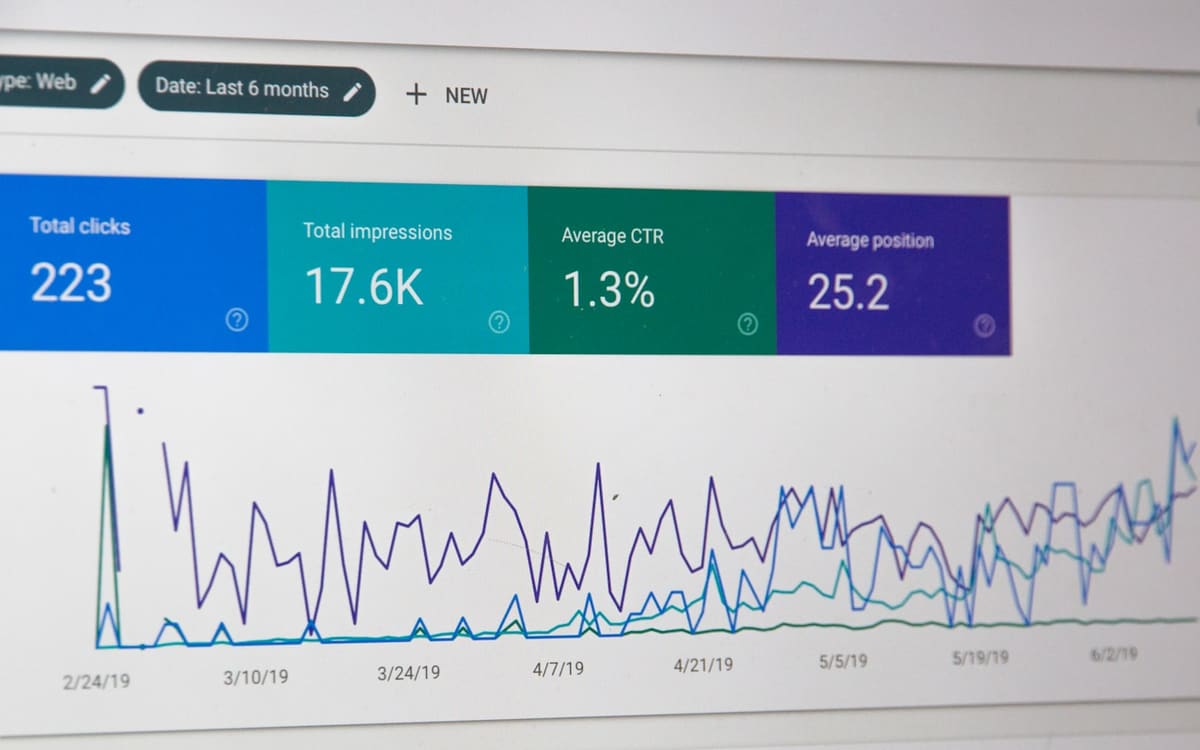
After unification, new snippets skip the config command. Initialisation is supposed to be the init trigger. If your theme still emits config, you now have two clocks. Event tags that fire on Container Loaded can beat config, or config can beat init, depending on network and how aggressively you defer the container. I have seen add_to_cart fire with no items because the event tag ran before the Google tag had destinations attached. DebugView then looks “empty” even though Tag Assistant shows the event.
The Settings tab is where destinations and container-wide options live after you optimise. Think of destinations as GA4 properties and Ads conversion accounts the container is allowed to talk to, without each one pulling its own gtag.js. Event tags stay. What moves is the shared config: consent, user-provided data, cross-domain linker, and the list of destinations. If your old GA4 Config tag had a different measurement ID than the destination you just linked, you will send to the wrong property until someone notices revenue in the staging stream.
I still keep a dataLayer contract. Unification does not invent item_id, value, tax or shipping. If those keys only exist because a visual tag scraped a button, you will feel it the first time the theme designer restyles checkout. Visual tagging is a sibling feature, not a replacement for the ecommerce object. I wrote that split up in GTM visual tagging versus dataLayer events.
Server-side is a different layer again. Unification is a web-container change. It does not stand up Cloud Run for you, and it does not move Facebook CAPI. Do not treat the banner as a server-side project.
Production checklist before you opt in
Do this on a workspace you can discard. Do not publish from the banner on the live container until the preview looks boring.
- Inventory every Google snippet on the storefront: GTM, native gtag, Shopify Google channel, Magento Google modules, WordPress Site Kit, cookie banners that inject their own config, and any app embed that mentions G- or AW- IDs.
- Confirm there is one web container you intend to keep. Pause or remove the others in staging first.
- Export a container version. If opt-in goes badly you need a file, not a memory.
- Map destinations: which GA4 property, which Ads account, which floodlight if you still have it. Write the IDs in the ticket, not in Slack.
- Check consent defaults in GTM against the CMP. Default denied for ad_storage, ad_user_data and analytics_storage still has to fire before any Google tag. Unification does not invent a lawful basis.
- Check the Initialization trigger. If the theme still calls config, set init to wait. If the theme does not call config, do not wait, or event tags will hang.
- Preview with Tag Assistant on homepage, PLP, PDP, cart, checkout and purchase. Purchase is the one that pays for the work.
- Compare a test purchase in GA4 DebugView and in Ads conversion diagnostics. Item IDs must match the feed and the platform SKU you actually sell.
- Review user access. Destination linking grants Read by default. Remove publish from anyone who should not ship a container.
- Only then publish, and only in business hours when someone can watch real-time and refund a test order.

That list is also the spine of GTM container optimization and tag latency. Unification and optimisation are sold together. I still treat them as two publishes if the store is noisy.
What breaks when Google Tag Manager unification is rushed
Duplicate measurement is the failure I see first. The theme still has a Google tag. GTM now has destinations. Both fire page_view. Sessions double. Bounce rate looks “improved” because the second hit restarts the session clock. Revenue can double if purchase is in both places. Merchants celebrate for a week. Then finance asks why gateway totals did not move.
The second failure is init versus config. A Horizon theme, a Magento layout XML block, or a WordPress plugin that prints gtag('config', ...) will keep doing that after you paste a new snippet that does not include config. Event tags that used to piggyback on the Config tag’s completion now fire on init, or they wait forever. You get either missing events or events with empty parameters.
The third failure is consent. If the old Google tag waited on a CMP callback and the new Settings tab has a different default, you can send identifiers before choice, or you can send nothing after the user accepts. Ads then models harder. The dashboard still has conversions. They are just not the conversions you think they are.

The fourth failure is access. A media buyer with Read-plus-publish “just to test” publishes a workspace that still has a paused duplicate GA4 tag. You find it when brand search CPA moves and nobody changed bids.
The fifth failure is assuming visual tagging will backfill a missing dataLayer. It will not survive a checkout redesign. Keep the contract in the theme.
None of these are reasons to refuse unification. They are reasons to treat it like a checkout change: staging, preview, one owner, a rollback version.
How I measure a clean opt-in
I do not use Lighthouse as the pass test for tagging. I use:
- Tag Assistant preview: one Google tag initialisation, consent state visible, no duplicate GA4 Config.
- GA4 DebugView: view_item on PDP, add_to_cart with items[], begin_checkout, purchase with transaction_id that matches the order id in the platform.
- Ads: a test conversion in the account that owns the destination, not a manager account you forgot you were looking at.
- A 48-hour comparison of purchase count against the gateway or Shopify/Magento order report, on a property that is not also receiving a second snippet.
- CrUX or field INP/LCP only as a sanity check that you did not add a tag. Unification should not make the page slower. If it does, you still have two libraries.
If purchase count in GA4 jumps by roughly 2x on the day you publish, you duplicated. Roll back the container version and pull the extra snippet out of the theme before you try again.
Related work on this site
The Magento programme I still point to for measurement discipline is the retail conversion work across three storefronts. Year-on-year sales moved $2.5 million over three years, and that number only meant anything because sessions, funnels and orders were compared against the same catalogue, not against a tag salad. Unification would have been in scope there the same way a theme release is in scope: one container, one purchase event, finance able to reconcile.
If you are already in the GTM notes, read GTM container optimization and tag latency next, then GTM visual tagging versus dataLayer events. Unification is the interface. Those two are how you keep the events honest and the JavaScript off the critical path.
FAQ
What is Google Tag Manager unification in plain language?
Google Tag Manager unification is Google treating the Google tag and GTM as one product family. A Google-tag-only site can open Tag Manager features. An existing container can send to Google destinations with less extra JavaScript. Your dataLayer and custom event tags do not get rewritten for you.

Does Google Tag Manager unification change how my purchase tag fires?
Google Tag Manager unification should not change a purchase tag that already listens to a dataLayer event you control. It can change when the Google tag is considered configured, especially if you still have a gtag config command in the theme. Preview purchase before you publish.
Should every store opt into Google Tag Manager unification this week?
No. Google Tag Manager unification is optional on existing containers. Opt in when you have a workspace, a snippet inventory, consent defaults you trust, and someone who can watch DebugView. Stores with two Google snippets already should clean that up first.
Where do I read the official Google Tag Manager unification notes?
Start with Google’s Tag Manager platform documentation and the in-product help for the optimisation banner. Vendor blogs will summarise it faster. They will also skip the duplicate-snippet case that actually breaks stores.
Keep reading
Contact if you want this kind of work on a live store.